
Google Local Services Ads Are Moving to Performance Max: What Professional Services Firms Must Do Now
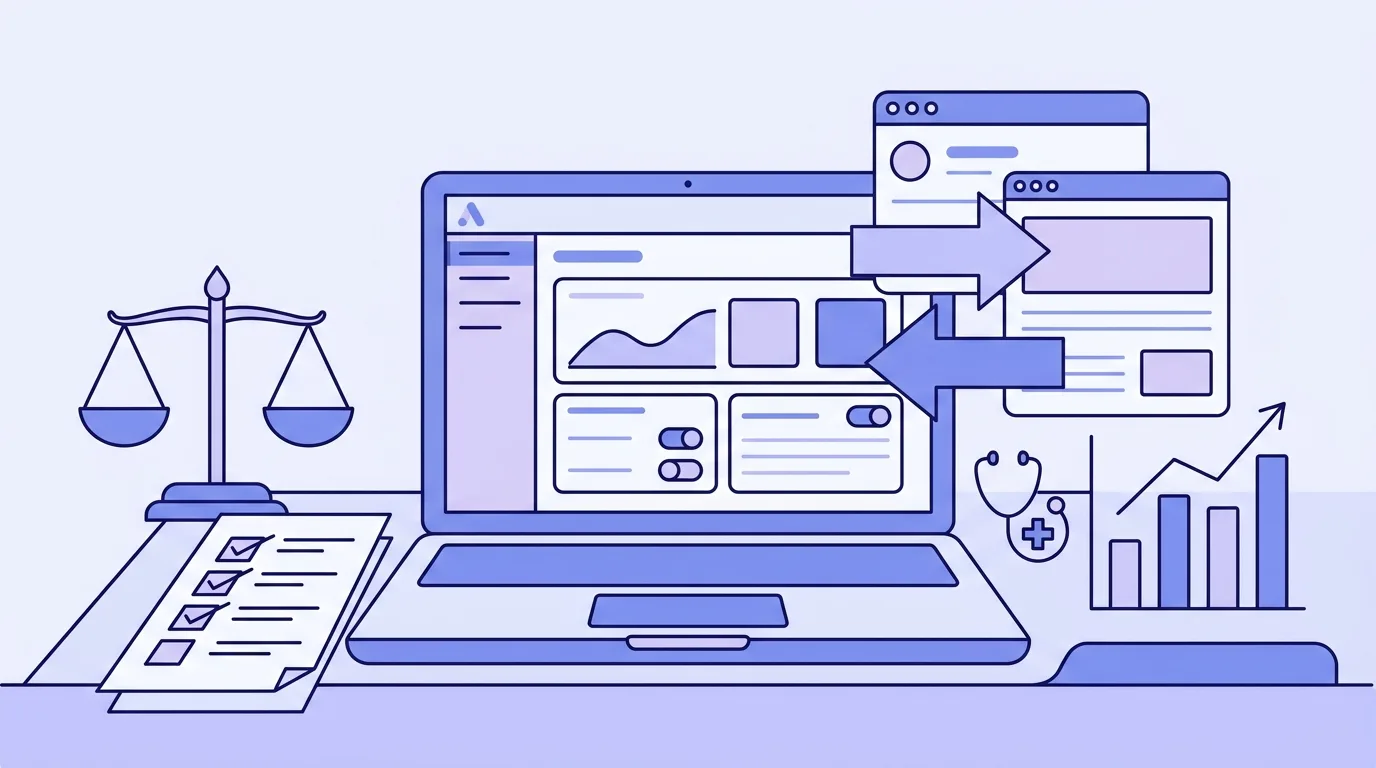
Google is retiring the separate Local Services Ads dashboard and moving everything into Google Ads as a specialised, pay-per-lead version of Performance Max. The rollout began with a limited group of US advertisers in August 2026, and non-US accounts will follow through 2027. Before your account migrates, there is one step that cannot be undone after the fact: export your historical performance reports. They will not transfer. Everything else can be fixed post-migration. That one cannot.
For law firms, accounting practices, financial advisory firms, and medical and dental clinics using Local Services Ads, the migration changes more than just which tab you click to manage campaigns. Budget format, bidding controls, and the tracking setup all change in ways that require deliberate preparation. Get ahead of it now and the transition is manageable. Go in blind and you lose the historical data you need to judge whether the new setup is performing better or worse than the old one.
What Google Is Actually Changing (and What Stays the Same)
The reach does not change. Migrated campaigns will continue to appear on Google Search and Maps, not across the broader set of placements that standard Performance Max campaigns use. The pay-per-lead billing model stays too. You still pay for valid leads including calls, messages, and bookings, not per click.
What changes is everything behind the scenes.
The management console moves from the separate LSA dashboard into Google Ads. The lead inbox becomes the Lead Manager inside Google Ads. And the structural controls that experienced advertisers use to manage performance, including manual bidding, per-service-category Target CPA targets, and weekly budget pacing, are either changed or removed.
Here is the full picture of what shifts once your account migrates, according to Google’s migration documentation.
Five Changes That Will Affect Your Account Directly
1. Weekly budgets become daily budgets
Currently, Local Services Ads run on weekly budgets. After migration, the same amount converts to an average daily budget. The headline number will look smaller, even though it represents the same monthly spend.
Flag this to whoever approves the marketing budget at your firm. If your practice manager or finance team sees a sudden drop in the “budget” figure in Google Ads, they may assume something went wrong. Document the conversion before it happens so there is no confusion.
2. Manual bidding and per-category targets are removed
If you have been using manual bidding or setting different Target CPA amounts for different service categories, those controls disappear at migration. Google will calculate a single campaign-level Target CPA across all your service categories, and automated bidding takes over entirely.
For a law firm running separate targets for family law inquiries versus commercial disputes, this is a material change. For a medical practice bidding differently on cosmetic consults versus general health appointments, same issue.
The answer in most cases is to create separate campaigns for services that have genuinely different lead values or different conversion patterns. But before doing that, compare each category’s lead volume, acquisition cost, close rate, and average client value. Splitting campaigns gives you more bidding control but gives Google less data per campaign. For lower-volume services, a combined campaign with more data often outperforms two thin campaigns with less.
3. Historical reports do not transfer
This is the one non-negotiable action before migration. Meagan McLoughlin, a paid search specialist who presented a pre-migration audit webinar for CallRail, was direct on this point: “One big thing that I would put a star next to is your historical local service ad performance reporting does not transfer. So make sure you take the time to download those historical reports and save those in advance.”
Lead histories do transfer into Google Ads. Performance reports do not. The moment your account migrates, the LSA dashboard becomes inaccessible and the historical performance data in it is gone.
Download everything: lead volume by week and month, cost per lead by service category, dispute and chargeback records, and any year-over-year comparisons you might need for future reporting or internal reviews. If you manage several accounts at an agency, begin those exports before the first migration notices arrive rather than racing to complete them under the 14-day notice window.
4. BBB callouts are removed
Google will no longer support Better Business Bureau callouts after migration. If you have been using a BBB accreditation callout as a trust signal in your LSA listings, replace it. Google recommends having at least six alternative callouts. For professional services firms, good alternatives include years in practice, relevant professional memberships, certifications or specialisations, and specific service-level promises such as same-day consultations or fixed-fee initial meetings.
5. Business Profile details sync automatically
After migration, your business name, physical address, and standard operating hours will sync directly from your Google Business Profile rather than being managed separately in the LSA platform. This is mostly convenient, but it creates one risk: any significant change to your name, address, or category on the GBP can trigger a 24-to-48-hour verification review that temporarily pauses your campaign.
Review your GBP for accuracy before migration. Correct any errors in advance, because fixing them after the account moves may pause your ads at the wrong moment.
Why Measurement Matters More in This Migration Than Almost Any Other
The migration is a natural reset point. CPL, lead volume, and conversion rate will likely fluctuate as the new campaign finds its footing. Google itself recommends allowing up to two weeks after migration for performance to stabilise.
The problem is that fluctuation is hard to interpret without a baseline. If your cost per lead is $85 after migration but you do not know what it was before, you cannot tell whether the new setup is performing better or worse. You are guessing, and guessing at $85 per lead is expensive.
Brooke Osmundson at Search Engine Journal made the practical recommendation clearly: build your measurement baseline before the account moves. That baseline should cover more than just what is visible in the LSA dashboard.
The metrics worth capturing in the weeks before migration include:
- Lead volume per week and per month
- Cost per lead by service category
- Qualified lead rate: what percentage of leads your team would actually pursue
- Appointment or consultation booking rate
- Close rate: how many initial consultations convert to engaged clients
- Average client value by service category
Most firms have cost per lead readily available. Almost none have tracked qualified lead rate or close rate from their ad campaigns. If you have never connected your CRM or practice management software to your campaign reporting, now is exactly the right time to start.
This matters beyond the migration itself. As Osmundson notes, when Google automates more of the bidding and targeting decisions, the advertiser’s job shifts toward measuring whether the automation is delivering the right outcomes, not just whether it is delivering outcomes. A form submission or a call from an LSA is not the same as a new client matter opened. If you train Google to maximise the former without feeding it data about the latter, the algorithm will get very good at finding people who fill out forms and hang up, rather than people who become clients.
The fix is to build the closed quality signal loop, where qualified leads or booked appointments are fed back into Google Ads as the primary conversion goal. The migration is the trigger to implement this if you have not already.
Your Pre-Migration Checklist
Account administrators will receive notice 14 days before migration and a follow-up reminder seven days before. Google will confirm when the migration is complete. Here is what to do before the first notice arrives.
Export performance reports from the LSA platform. Log into the Local Services Ads interface now and download every report you might need: weekly lead volume, cost per lead, leads by service category, dispute history. Save them outside the platform. If you have an agency managing your account, confirm they are doing this for each of your accounts.
Document your current campaign structure. Record your weekly budget, any per-category CPA targets, service categories, locations, and ad schedule. You will need this to verify the migrated settings and to have a clear before-and-after reference.
Build your lead quality baseline. For the 60 days before migration, track what percentage of your LSA leads are genuinely qualified: right practice area, right geography, realistic circumstances. Even a rough tally gives you something to compare against post-migration.
Review your Google Business Profile. Check that your name, address, and category are accurate. Make any corrections now rather than post-migration, when a GBP update could pause your campaign.
Replace BBB callouts. Prepare at least six alternative callouts that speak to your firm’s specific credentials, experience, and service model.
Decide whether to split campaigns. If you advertise multiple service categories with materially different lead values, decide now whether to run them as separate campaigns after migration. Analyse volume and conversion data by category before making the call.
Assign a migration owner. At an agency, someone specific needs to be responsible for each account’s migration process, including receiving the notices, running the pre-migration checklist, and verifying the settings post-migration. LSA management may have previously sat outside a Google Ads retainer. The migration is the moment to clarify that scope.
What to Check After Migration
Once Google confirms the migration is complete, go through the following before you assume the campaign is running as intended.
Verify the converted budget. The weekly budget will have been divided into a daily format. Confirm the daily figure aligns with your intended monthly spend.
Check the campaign-level Target CPA. Confirm it reflects the blended lead cost you are comfortable with across all service categories. If some categories need different targets, now is the time to split them.
Verify tracking numbers. McLoughlin’s advice here was explicit: confirm the migrated campaign is using the intended tracking number for LSA calls. Keep this number distinct from your Google Business Profile number and your website’s dynamic tracking pool. Mixing them makes it impossible to tell which source generated which lead.
Check photos and callouts. Confirm your images and callout extensions transferred correctly and that BBB callouts have been replaced.
Monitor lead quality, not just volume. For the first four weeks, compare your qualified lead rate against the baseline you built before migration. If lead volume holds but qualified lead rate drops, the migration has changed something meaningful about the quality of traffic you are receiving, and that warrants investigation before you adjust bids.
The Bigger Picture: What This Migration Signals
The LSA migration is not an isolated administrative change. It is part of a consistent pattern: Google is centralising control, reducing manual levers, and pushing more decisions into automated systems. Performance Max first did this for Display and Video. AI Max is doing it for Search. LSAs moving into PMax completes the picture for local, pay-per-lead campaigns.
For professional services firms, this shift has a direct implication. The less you can tune individual settings manually, the more your competitive edge comes from the quality of the data you are feeding the system. Accurate conversion tracking, qualified lead signals sent back from your CRM, and a clear definition of what a good outcome looks like for your practice: these are the inputs that determine whether Google’s automation works for you or against you.
Firms that treat the migration as a chance to upgrade their measurement will come out of it in a stronger position. Firms that accept whatever defaults come out of the migration and wait to see what happens will be at the mercy of an algorithm optimising toward a definition of “lead” they never deliberately set.
This is not a reason to be anxious about the change. It is a reason to use the next few months well.
Frequently Asked Questions
Will the migration happen automatically or do I need to trigger it?
Google handles the migration automatically. Account administrators will receive notice 14 days before the account moves, with a follow-up reminder seven days before. The critical action is to export your historical reports before the migration date, because the LSA dashboard closes after migration and performance reports do not transfer.
Does the pay-per-lead billing model change?
No. You continue paying for valid leads including calls, messages, and bookings rather than for clicks. The billing structure is one of the few elements that carries across unchanged.
What happens to my existing reviews and verification badges?
Existing reviews and Google-verified badges should carry across. Review your migrated campaign within the first few days to confirm that your verification status and review count are displaying correctly.
How long does it take for the migrated campaign to stabilise?
Google recommends allowing up to two weeks for performance to stabilise after migration. Avoid making significant changes to the campaign in the first 14 days unless something is clearly broken, since early adjustments can disrupt the algorithm’s learning phase.
Should NZ professional services firms sign up for LSAs now, ahead of the migration?
Google’s phased rollout has prioritised the US market, with non-US accounts scheduled for 2027. If your practice is not yet on LSAs, the migration timeline gives you a window to understand the product and decide whether it suits your lead generation strategy before the interface consolidation. The measurement and quality signal principles in this article apply to any Google Ads campaign, regardless of whether you are on LSAs today.
If you want a clear-eyed review of how your firm’s Google Ads setup will handle this migration and what measurement improvements are worth making before it arrives, book a strategy call with the Lucid Leads team. We work specifically with professional services businesses on lead generation, and the migration audit takes about 30 minutes.
Related Articles
Continue learning about lead generation and paid advertising

10 Proven Strategies to Generate High-Quality Leads from Google Ads in 2026
Discover 10 proven Google Ads lead generation strategies for 2026. Learn how to get high-quality leads from Google with expert tips. Boost conversions now!

How to Get Your Professional Services Firm Cited in AI Search Answers
Google AI Overviews appear in 43% of searches. Most professional services firms don't appear in AI answers. Here's how to generate enquiries from AI search.
Written by

Founder & Lead Generation Specialist
Jason Poonia is the founder of Lucid Leads, helping service businesses across New Zealand generate qualified leads through paid advertising and conversion-focused funnels. With a background in Computer Science from the University of Auckland and over 5 years of experience running lead generation campaigns, Jason has helped businesses in construction, trades, real estate, and professional services generate thousands of qualified leads. His data-driven approach combines targeted ad strategies with rapid lead qualification to deliver prospects who are ready to buy.