
Lead Gen News: October 28 2026 - Meta Removes Placement Controls, Delays New Terms, and Google Expands Retention Modes
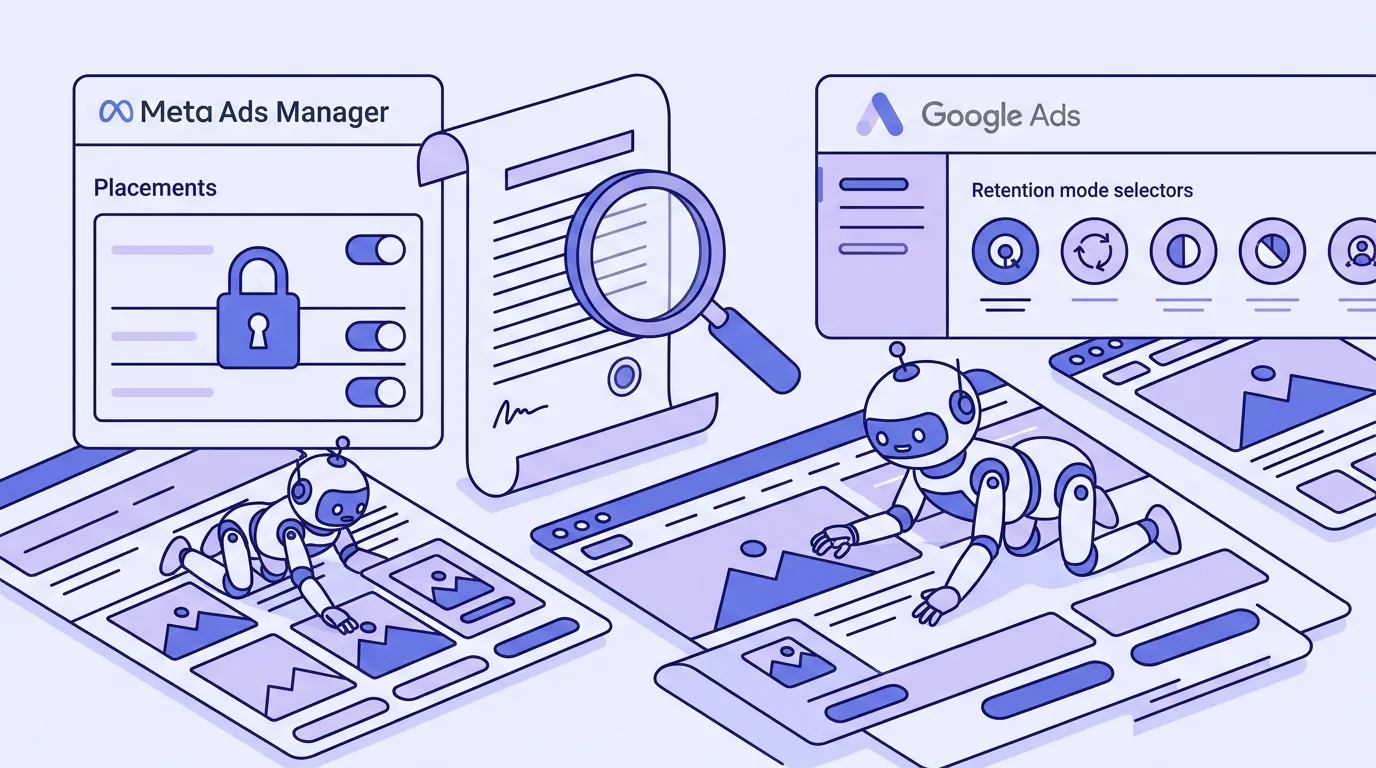
Three changes from this week have direct consequences for NZ service businesses running paid lead generation. Meta has removed manual placement exclusions from ad sets for Leads campaigns, replacing them with weaker account-level controls and a bid-reduction mechanism that cannot fully block a placement. Meta’s controversial Commercial Terms have been delayed from October 30 to November 20, though the website-crawling clause survives. And Google has expanded its customer acquisition and retention controls, making three distinct retention modes available across Performance Max, Search, and Shopping.
Here is what changed, what it means, and what to do.
Meta Has Removed Placement Controls From Ad Sets in Lead Campaigns
This is the most operationally significant change for service-business advertisers this week.
As of October 12, Meta began rolling out the removal of manual placement exclusions at the ad set level for Sales, Leads, Engagement, and App promotion campaign objectives. Awareness and Traffic campaigns are not affected and keep manual placements. For anyone running lead generation, the ability to block Audience Network, Facebook Marketplace, or other specific placements directly inside an ad set is gone, or going.
The removal is gradual. Some accounts are already seeing it; others will follow. Jon Loomer’s documentation of the change confirms the rollout started in August and has continued through October, with Meta’s Business Help Centre now reflecting the change for the affected objectives.
Why this matters for lead quality
Audience Network has been a persistent problem for service-business lead campaigns. It serves ads inside third-party apps and mobile sites, and while it can produce volume, the quality is typically much weaker than Facebook or Instagram feed placements. Businesses that had learned to exclude it were doing so precisely because the leads it generated were harder to qualify, slower to respond, and less likely to convert into paying clients.
Removing the ad-set control takes away the most direct mechanism to stop that. What replaces it is less precise.
What you can do now
Meta’s official alternatives are three.
Account-level objective exclusions. You can now exclude placements at the account level, scoped by objective. So you can block Audience Network for your Leads campaigns without affecting your Awareness spend. This is found in your Business Settings under Brand Safety and Suitability. The account-level list covers Audience Network (native, banner, interstitial, and rewarded video), Facebook Marketplace, and the Facebook right column. Check whether the placements you previously excluded at the ad set level are available in the account-level controls for Leads.
Placement value rules. You can set a bid modifier for specific placements, reducing how aggressively Meta bids for impressions there. One report notes the reduction can go up to 90%, but it cannot reach 100%. A 90% discount is not a block. Meta will still spend on a placement if the discounted bid wins an auction, which can happen in low-competition environments where Audience Network impressions are cheap. This is a meaningful friction, not a hard stop.
Per-placement creative. You can load up to ten images or videos into a multi-media ad and set different creative per placement. This gives you control over what appears where, but it does not stop spend from flowing to placements you want to avoid.
The practical response is to set account-level exclusions now for any placement you were blocking at the ad set level, for each objective where you want the exclusion to apply. Then layer a placement value rule at the maximum reduction for anything that cannot be blocked at account level. Check your lead quality in four weeks to see whether the change has affected your average.
If Audience Network was not a lead quality problem in your account, the change has no immediate consequence. If it was, act this week rather than after your next campaign review.
Meta’s Commercial Terms Delayed to November 20
The updated Meta Commercial Terms, originally scheduled to take effect on October 30, have been pushed to November 20.
The delay came after publishers in the UK and Europe asked regulators to intervene, citing a clause that would give Meta broad rights to crawl business websites. Meta subsequently removed the word “train” from the clause and framed the purpose more narrowly around advertising products and the integrity and security of Meta’s systems, but the crawling permission itself remains. Meta retains the right to crawl websites associated with a business’s products or services, and the terms make no commitment to honour robots.txt.
Search Engine Journal’s coverage of the clause notes that legal experts remain divided on how broadly the remaining language could be read in practice. The narrowing of purpose may limit what Meta can do with the content, or it may not, depending on jurisdiction and how the terms are tested.
What the delay means for advertisers
The practical effect of the delay is three additional weeks to review what the terms say before you accept them by default.
Continuing to run ads after November 20 will constitute acceptance. Any NZ business running Meta lead campaigns, particularly those in industries where website content is sensitive, such as legal, financial services, healthcare, or property, should be aware that the terms include this crawling clause and make a deliberate decision rather than accepting by default through inaction.
Read the Commercial Terms directly before November 20. Focus on the crawling clause and assess what pages on your site could be reached if Meta follows your domain. If your landing pages contain pricing structures, qualifying criteria, or other commercially sensitive information you would not want indexed and used by a third party, consider what that means for how you link your ads.
The removal of the word “train” has not resolved the underlying debate. Treat this as a terms-of-service review that needs an actual decision, not a footnote to file away.
Meta Product Browsing Is Live Today
The product browsing default flagged in last week’s roundup went live today, October 28.
Meta has switched product browsing on for existing ads across Facebook and Instagram. For service-based lead campaigns with no product catalogue, the feature is unlikely to trigger in a meaningful way. For trade businesses, home services, or anyone who has a defined set of packaged services, it may show up in your placements.
The check takes five minutes. Go into any active ad set and look at the Advantage+ creative enhancements or destination settings. Find the product browsing toggle and confirm whether it is on or off. If you want it off, turn it off. If you duplicate an ad, check the copy, the enhancement can switch back on in duplicated ads.
If you missed the opt-out window before today, the setting is still controllable at the ad level, so you are not locked in. The main cost of the delay is a few days of running under the new default rather than your deliberate setting.
Google Expands Customer Acquisition and Retention Controls
On October 22, Search Engine Land reported that Google is extending its customer acquisition and retention controls across Performance Max, Search, and Shopping campaigns, with a broader set of targeting modes than previously available.
New Customer High Value Mode, which optimises campaigns to acquire new customers likely to be worth more over time rather than treating all new customers identically, is coming to Shopping campaigns. It has been available in Performance Max and is now expanding.
Customer retention controls are being made more widely available across the three campaign types, with three distinct modes.
Re-engagement targets lapsed customers who have interacted with the business previously but have not purchased recently. This is the right mode when you have a database of past clients you want to reactivate.
Loyalty focuses on customers identified as high-value based on their historical behaviour, with the goal of keeping them active. For a recurring service business, such as a maintenance provider or an accounting firm, this is relevant during periods when you have lost contact with previously active clients.
Retention Only restricts spend to retention objectives exclusively. This is a hard constraint, not a preference, so the campaign does not spend on acquisition at all.
How to think about this for service businesses
These controls address a genuine friction in most service-business Google Ads accounts: acquisition and retention campaigns are often mixed, and the optimisation signal is blended. A lead generation campaign that reaches both new prospects and people who already called you two years ago is not failing, exactly, but it is not efficient either.
The value of the new modes depends entirely on the quality of the customer data you have uploaded. If your customer match list is stale, the algorithm does not have an accurate picture of who your current customers are. The retention and re-engagement modes perform as well as the audience definition underneath them.
Before using any of these modes, export a current customer list from your CRM, include everyone who has been a paying client in the last 24 months, and upload it to Google Ads as a fresh Customer Match audience. The three weeks before November are a good time to do this, given the Customer Match hashing pipeline change that takes effect on November 16. See last week’s roundup for details on that deadline.
Google’s Data Strength Uplift Metric: First-Party Data Now Visible in the Dashboard
Google’s October Demand Gen Drop launched the Data Strength Uplift metric inside the Google Ads UI. It shows, directly in your dashboard, how much your first-party data setup contributes to conversion gains.
The metric is designed to translate a technical question, how well is my measurement infrastructure configured, into a number visible alongside your campaign performance. Google reports that advertisers using Google Tag Gateway see an average of over 14% conversion uplift, and over 20% for Demand Gen campaigns, based on Google’s own internal analysis. Insurance platform The Zebra saw a 16% increase in conversion volume and a 19% increase in conversion value after improving their data setup, per the same source.
The accompanying announcement also includes Data Manager expanding to Display and Video 360 and Google Analytics, and Enhanced Conversions coming to those platforms.
The honest read on these numbers
Google’s figures are based on Google’s own internal analysis and cannot be independently audited. The uplift is computed by comparing performance before and after data setup improvements, which means it can reflect other changes in the same period. The Zebra case is a single reported example, not a general finding.
What the metric does provide is a consistent, visible prompt to ask whether your first-party data infrastructure is actually doing what it should. If the Data Strength score in your account is low, that is a concrete starting point for a conversation about Enhanced Conversions, Conversion API configuration, or Tag Gateway setup. That is more useful than a vague recommendation to improve your data.
If your Data Strength Uplift score is already high, the metric confirms your existing setup is working and gives you something to monitor if you make changes to your site’s tracking.
The Common Thread This Week
Two of the four changes this week are Meta tightening its hold on advertiser controls: placement decisions move from the ad set to the account, and the Commercial Terms move more of your site’s content into Meta’s orbit. One is Google making audience-based targeting more precise, and one is Google making measurement more visible in the dashboard.
The shift in Meta placement controls is the most urgent operational item. If you have been relying on ad-set exclusions to manage lead quality, those exclusions need to be rebuilt at account level this week. Every other item is either already live with a simple check (product browsing), a few weeks away (Commercial Terms), or something to read and decide on (retention modes and Data Strength).
If you want to make sure your lead campaigns are set up correctly before November, book a free strategy call with Lucid Leads.
Frequently Asked Questions
My Meta ad set placement exclusions were blocking Audience Network. What do I do now?
Go to Business Settings and find the Brand Safety and Suitability section. Audience Network can be excluded at account level, scoped by objective, so you can block it for Leads without touching Awareness. Check whether your previous ad-set exclusions are available in the account-level controls. For placements that cannot be blocked at account level, use placement value rules set at the maximum reduction as a fallback.
Do I need to do anything about Meta’s Commercial Terms before November 20?
Yes, at minimum, read the terms before then. Continuing to run ads after November 20 counts as acceptance. The crawling clause gives Meta permission to crawl websites tied to your business’s products and services. Decide deliberately whether that is acceptable for your situation rather than accepting by default through inaction.
Is the product browsing feature still configurable if I missed the October 28 deadline?
Yes. The setting can be turned off per ad, even now that the default has switched to on. Go into any active ad, check the Advantage+ creative or destination settings, and find the product browsing toggle. The main cost of the delay is running under Meta’s default for a few days rather than your own setting.
Which Google customer retention mode is right for a service business trying to win back old clients?
Re-engagement is the right starting point. It targets lapsed customers who have interacted with the business but have not transacted recently, which is exactly the situation with a previous client you have lost contact with. Before using it, upload a current customer list to Google Ads as a fresh Customer Match audience. The mode performs as well as the data you feed it.
What should I do if my Google Data Strength Uplift score is low?
A low score typically points to gaps in your measurement setup: Enhanced Conversions not configured, Conversion API not sending data, or a Google Tag Gateway not in place. Use the score as a starting point for a measurement audit rather than acting on the number alone. Ask what specific setup improvements the platform recommends in your account, and prioritise the ones with a clear implementation path.
Related Articles
Continue learning about lead generation and paid advertising

Lead Gen News: Late October 2026 - Google's LSA Merger, Meta's Product Browsing Deadline, and New Channel Priority Controls
Google folds Local Services Ads into Performance Max. Meta enables product browsing in existing ads on 28 October. New channel controls cap Display budget spend.

Lead Gen News: Mid-October 2026 - Google Automated Promotions Live, Meta's AI Campaign Manager, and Free Incrementality Testing
Google automated promotions went live 12 October. Meta launched an AI campaign manager at Ad Week. Self-serve conversion lift now open for Search and PMax.
Written by

Founder & Lead Generation Specialist
Jason Poonia is the founder of Lucid Leads, helping service businesses across New Zealand generate qualified leads through paid advertising and conversion-focused funnels. With a background in Computer Science from the University of Auckland and over 5 years of experience running lead generation campaigns, Jason has helped businesses in construction, trades, real estate, and professional services generate thousands of qualified leads. His data-driven approach combines targeted ad strategies with rapid lead qualification to deliver prospects who are ready to buy.