
Mobile-First Landing Pages: Why 70% of Your Leads Come From Phones
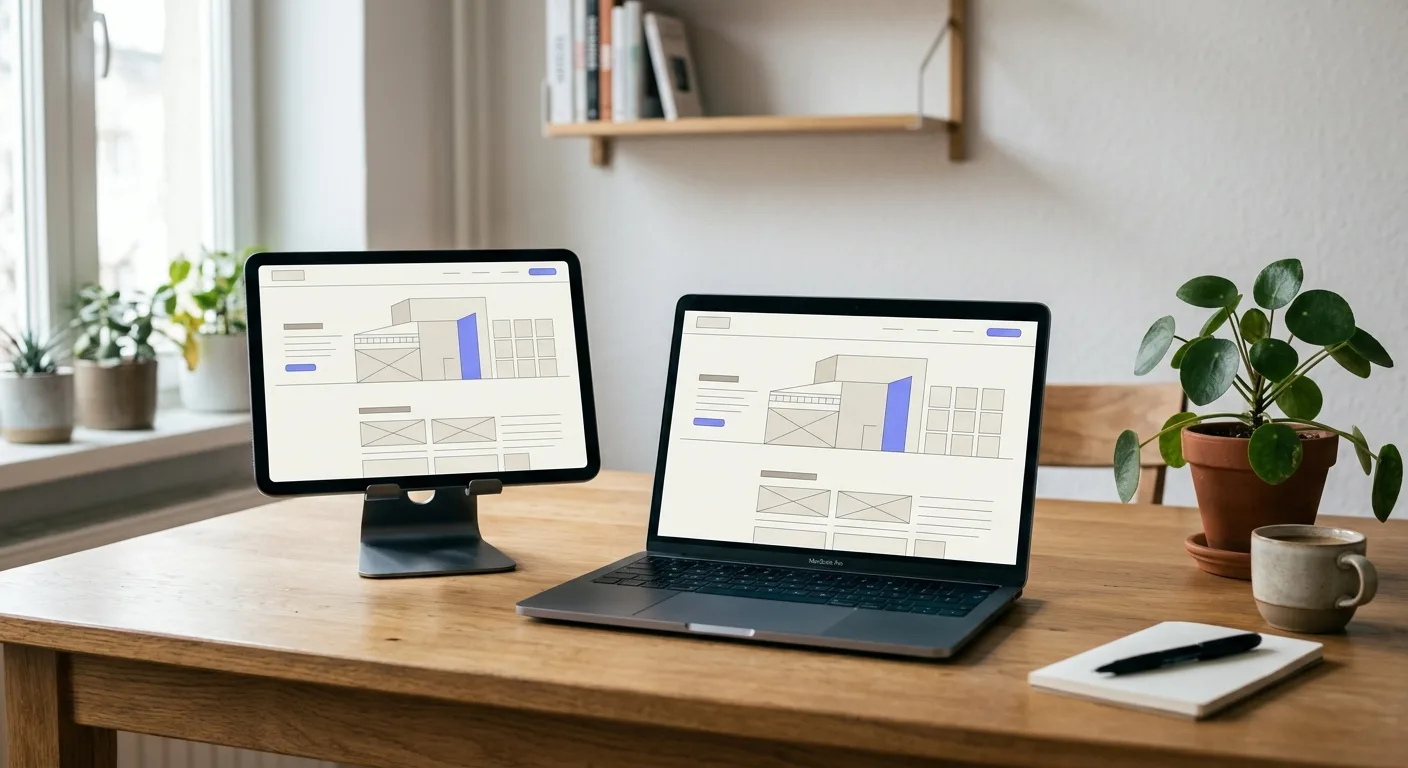
Here’s a statistic that should fundamentally change how you think about your landing pages: in New Zealand, over 70% of web traffic now comes from mobile devices. For many industries—particularly local services—that number is even higher.
Yet the vast majority of landing pages are still designed on desktop computers, with mobile as an afterthought. The result? Frustrated visitors, abandoned forms, and missed leads.
If you’re serious about generating leads online, mobile-first design isn’t optional—it’s essential. This guide covers everything you need to know about creating landing pages that convert on the devices your customers are actually using.
The Mobile Reality in New Zealand
Understanding just how dominant mobile has become helps explain why mobile optimisation deserves your full attention.
Key New Zealand mobile statistics:
- Mobile internet usage: Over 85% of New Zealanders access the internet via smartphone
- Search behaviour: The majority of local business searches (“plumber near me,” “Auckland accountant”) happen on mobile
- Social media traffic: Nearly all Facebook and Instagram referrals arrive on mobile devices
- Peak usage times: Mobile usage spikes during commute times, lunch breaks, and evenings—when people are away from desktops
For service businesses running paid advertising, the implications are clear: your ads are reaching people on their phones. If your landing page doesn’t perform brilliantly on mobile, you’re losing the majority of your potential leads.
What “Mobile-First” Actually Means
Mobile-first design flips the traditional approach. Instead of designing for desktop and then adapting for mobile, you design for mobile first and then expand for larger screens.
This matters because:
Constraints breed clarity: Mobile’s limited screen space forces you to prioritise what truly matters. You can’t hide weak messaging behind complex layouts.
Core experience is protected: When you design mobile-first, the mobile experience is the best experience—not a compromised version of the desktop page.
Performance is built in: Mobile-first design naturally encourages lighter pages that load faster on mobile networks.
Common Mobile Landing Page Mistakes
Before diving into best practices, let’s identify the mistakes that kill mobile conversions:
Mistake 1: Tiny, Unreadable Text
Body text below 16 pixels becomes difficult to read on mobile devices, forcing visitors to pinch and zoom—a guaranteed conversion killer.
Fix: Use a minimum of 16px for body text, with headlines appropriately larger. Test your page by actually reading it on a phone.
Mistake 2: Impossible-to-Tap Buttons
Desktop-sized buttons and links are nearly impossible to accurately tap on touchscreens. Visitors accidentally click wrong elements, leading to frustration and abandonment.
Fix: Make buttons at least 44x44 pixels (Apple’s recommended minimum touch target). Space clickable elements far enough apart to prevent accidental taps.
Mistake 3: Forms That Fight You
Long forms with small fields and dropdowns that don’t work properly are mobile conversion disasters.
Fix: Minimise form fields, use appropriate input types (so phones show the right keyboard), make fields large enough to tap easily, and ensure labels are always visible.
Mistake 4: Horizontal Scrolling
Nothing screams “this page wasn’t designed for mobile” like having to scroll sideways to see content.
Fix: Ensure all elements are responsive and fit within the viewport width. Test at various screen sizes.
Mistake 5: Slow Loading Times
Mobile users are impatient, and mobile networks are often slower than fixed connections. Pages that take more than three seconds to load lose the majority of visitors.
Fix: Optimise images, minimise code, and prioritise fast loading (covered in detail below).
Mobile Optimisation Best Practices
Now let’s explore what high-converting mobile landing pages do right:
Prioritise Above-the-Fold Content
On mobile, screen space is precious. Your above-the-fold content (what’s visible without scrolling) must immediately communicate:
- What you’re offering
- Why they should care
- What action to take
A clear headline, brief supporting text, and prominent CTA button should all be visible without scrolling on most phones.
Use a Single-Column Layout
Multi-column layouts that work on desktop become cramped and confusing on mobile. Stick to a single-column layout that guides visitors naturally down the page.
Make CTAs Thumb-Friendly
Most people hold their phones with one hand and navigate with their thumb. Place important CTAs and interactive elements where they’re easily reachable—typically in the lower portion of the screen.
Consider using a sticky CTA button that remains visible as visitors scroll, always one tap away.
Simplify Navigation
On dedicated landing pages, navigation should be minimal or non-existent anyway. On mobile, any navigation elements should be hidden in a hamburger menu to preserve screen space for conversion-focused content.
Use Collapsible Sections
For content-heavy sections like FAQs or feature lists, use accordions or collapsible elements. This keeps the page scannable while allowing visitors to expand sections they’re interested in.
Optimise Images for Mobile
Large, desktop-sized images slow load times and waste bandwidth. Use responsive images that serve appropriately sized files based on the visitor’s device and screen resolution.
Enable Click-to-Call
For service businesses, making it easy to call is essential. Use click-to-call links that open the phone app when tapped. Display your phone number prominently and make it obviously tappable.
Speed: The Most Critical Factor
Page speed deserves special attention because it has an outsized impact on mobile conversion rates.
The statistics are stark:
- 53% of mobile visitors abandon sites that take longer than 3 seconds to load
- Every additional second of load time reduces conversions by approximately 7%
- Google uses page speed as a ranking factor, affecting both your ads and organic search visibility
How to Improve Mobile Loading Speed
Compress and optimise images: Images are typically the biggest page weight contributor. Use modern formats like WebP, compress images appropriately, and serve sized images rather than scaling down large files.
Minimise code: Remove unnecessary CSS and JavaScript. Combine files where possible. Defer non-essential scripts.
Enable browser caching: Allow browsers to store static resources so returning visitors experience faster loads.
Use a content delivery network (CDN): CDNs serve your content from servers geographically closer to your visitors, reducing latency.
Optimise your hosting: Cheap, slow hosting undermines all other speed optimisation efforts. Invest in quality hosting appropriate for your traffic levels.
Eliminate render-blocking resources: Ensure CSS and JavaScript don’t prevent the page from displaying quickly.
Testing Your Speed
Use these free tools to assess your mobile page speed:
- Google PageSpeed Insights: Provides scores and specific recommendations
- GTmetrix: Detailed analysis with waterfall charts showing what’s slowing you down
- WebPageTest: Advanced testing from different locations and connection speeds
Aim for a “Largest Contentful Paint” (LCP) under 2.5 seconds and a PageSpeed Insights score above 80 for mobile.
Mobile UX Considerations
Beyond technical optimisation, consider these user experience factors:
Respect Mobile Context
Mobile visitors are often in different contexts than desktop users—commuting, waiting, multitasking. Design for distraction:
- Keep paragraphs short (2-3 sentences)
- Use bullet points for scannable content
- Front-load important information
- Make key actions obvious
Test on Real Devices
Emulators and responsive design tools are helpful, but nothing replaces testing on actual phones. Test your landing page on:
- iPhones (various sizes)
- Android phones (various manufacturers and screen sizes)
- Different browsers (Safari, Chrome, Samsung Internet)
Pay attention to how the page feels to use, not just how it looks.
Consider Thumb Zones
Research shows that most people hold phones with their dominant hand and navigate with their thumb. The most comfortable areas to tap are in the natural arc of the thumb—typically the lower middle of the screen.
Place your most important interactive elements (especially your CTA button) in these easy-reach zones.
Handle Slow Connections Gracefully
Not every mobile visitor has a fast 5G connection. Consider adding loading indicators, ensuring the page remains usable while resources load, and prioritising critical content.
The Mobile Testing Checklist
Before launching any landing page, run through this mobile checklist:
Readability
- Text is at least 16px
- Sufficient contrast between text and background
- Headlines are clear and appropriately sized
- No horizontal scrolling required
Usability
- Buttons are at least 44x44 pixels
- Adequate spacing between tappable elements
- Forms are easy to complete
- Click-to-call is enabled for phone numbers
Speed
- Page loads in under 3 seconds on 4G
- Images are optimised and properly sized
- No unnecessary scripts or resources
Functionality
- All interactive elements work correctly
- Forms submit properly
- Page displays correctly across different phones and browsers
Taking Action
If your current landing pages weren’t designed with mobile in mind, start by auditing their mobile performance. Load them on your phone and experience them as your visitors do. Check your analytics to see what percentage of traffic and conversions come from mobile devices.
For most New Zealand service businesses, the data will make the case clear: mobile optimisation isn’t a nice-to-have enhancement—it’s essential for capturing the leads you’re already paying to reach.
Design for mobile first, test thoroughly, and optimise for speed. Your conversion rates will reflect the effort.
Ready to Generate More Leads?
Let's discuss how we can help you get 30 qualified leads in 30 days with our proven TAP System.
Book a Free Strategy CallRelated Articles
Continue learning about lead generation and paid advertising

7 Landing Page Elements That Triple Conversion Rates
Learn the seven essential landing page elements proven to dramatically increase conversions. Master headlines, CTAs, social proof, and more.

Landing Page vs Website: Which Converts Better for NZ Service Businesses?
Discover whether a landing page or full website delivers better conversions for New Zealand service businesses. Compare conversion rates and use cases.
Written by

Founder & Lead Generation Specialist
Jason Poonia is the founder of Lucid Leads, helping service businesses across New Zealand generate qualified leads through paid advertising and conversion-focused funnels. With a background in Computer Science from the University of Auckland and over 5 years of experience running lead generation campaigns, Jason has helped businesses in construction, trades, real estate, and professional services generate thousands of qualified leads. His data-driven approach combines targeted ad strategies with rapid lead qualification to deliver prospects who are ready to buy.